Hyundai Motor Group (the Group) today unveiled Pleos Connect, a next-generation in-vehicle infotainment system designed to fundamentally transform the customer mobility experience.
As the first major step in the Group’s transformation into a software-centric mobility leader, Pleos Connect is built on three core development pillars—intuitiveness, safety, and openness—to combine a mobile-friendly user environment with advanced artificial intelligence (AI), creating a highly scalable and intuitive platform. The system will receive continuous feature and performance enhancements via over-the-air (OTA) software updates.
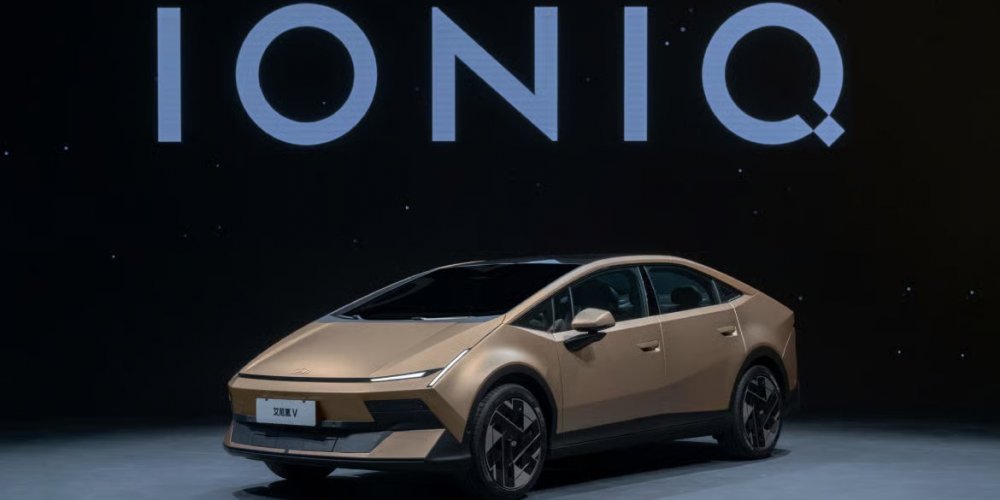
The system will debut on the new GRANDEUR in Korea in May, followed by a phased global rollout, including the recently unveiled IONIQ 3 in Europe. The Group aims to equip approximately 20 million Hyundai Motor, Kia and Genesis vehicles with Pleos Connect by 2030, reinforcing its leadership in future mobility solutions.
How Does Pleos Connect Create an Intuitive and Safe Cockpit?
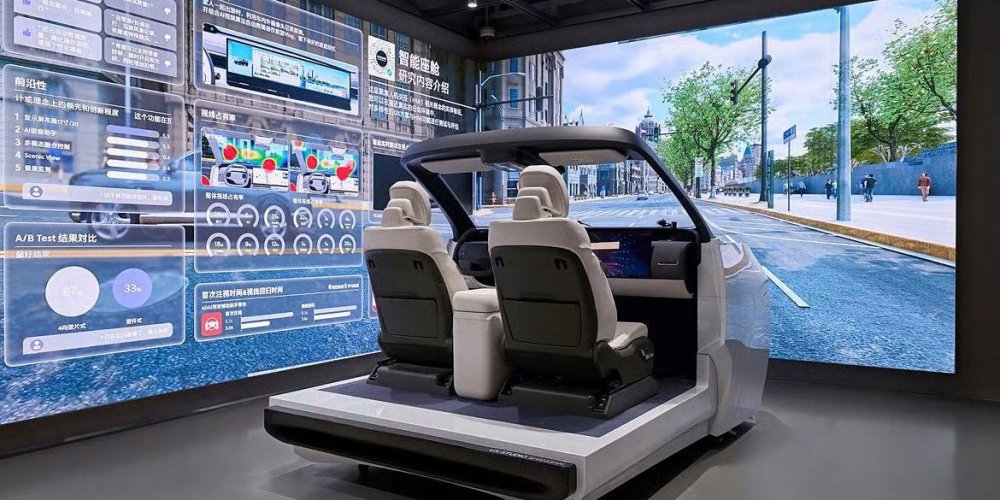
The design of Pleos Connect is centered on intuitiveness and simplicity, featuring a combination of touch and physical controls for convenient and seamless operation. The system’s user experience (UX), developed through extensive research into driver behavior by the Group’s UX Studios in Seoul, Irvine, Frankfurt and Shanghai, mirrors the familiarity of a mobile device to enhance ease of use and minimize driver distraction.
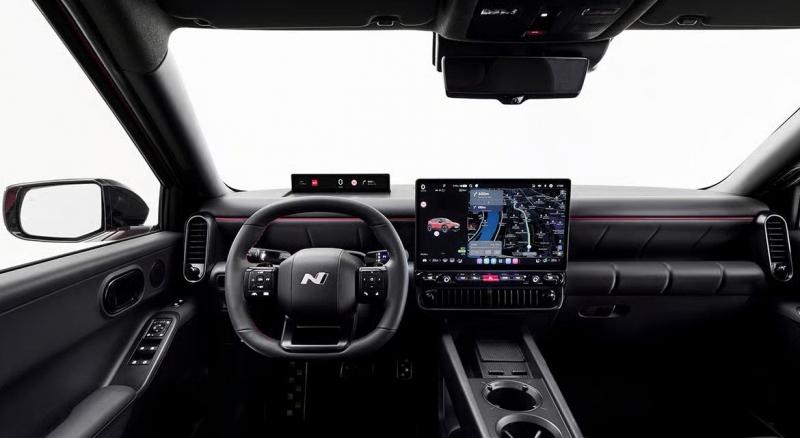
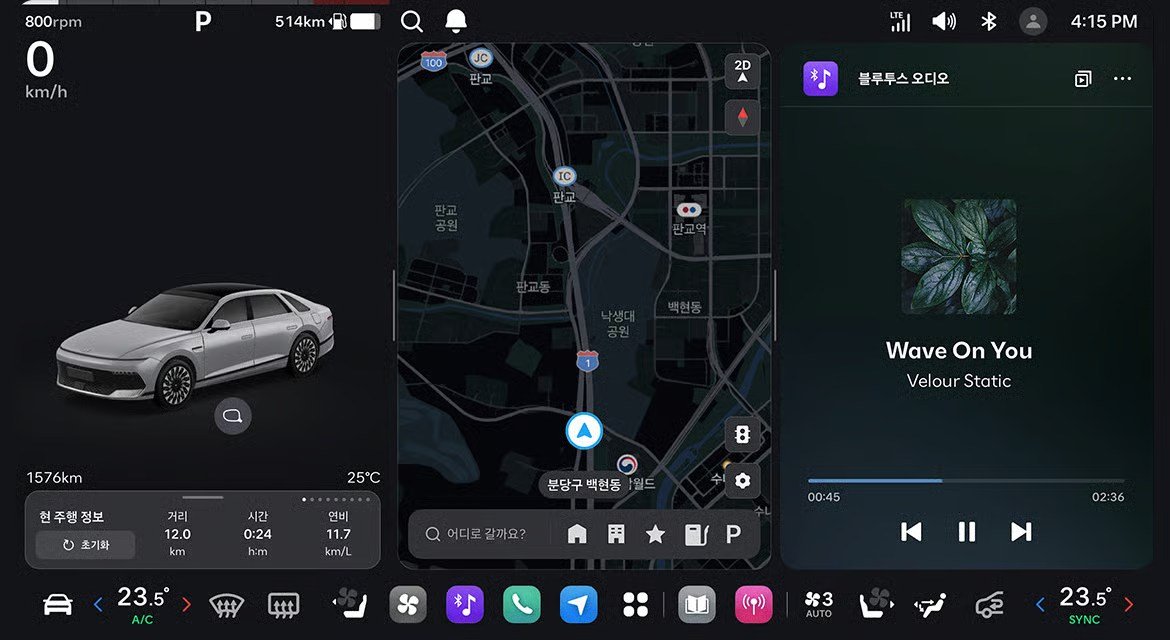
The Pleos Connect cockpit features two main displays:
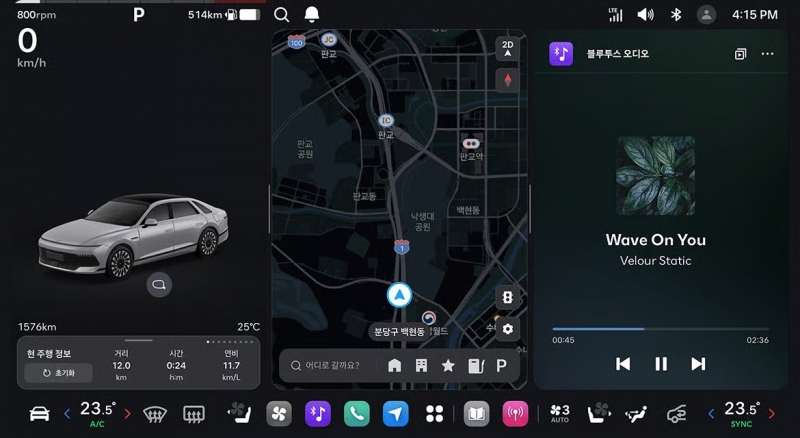
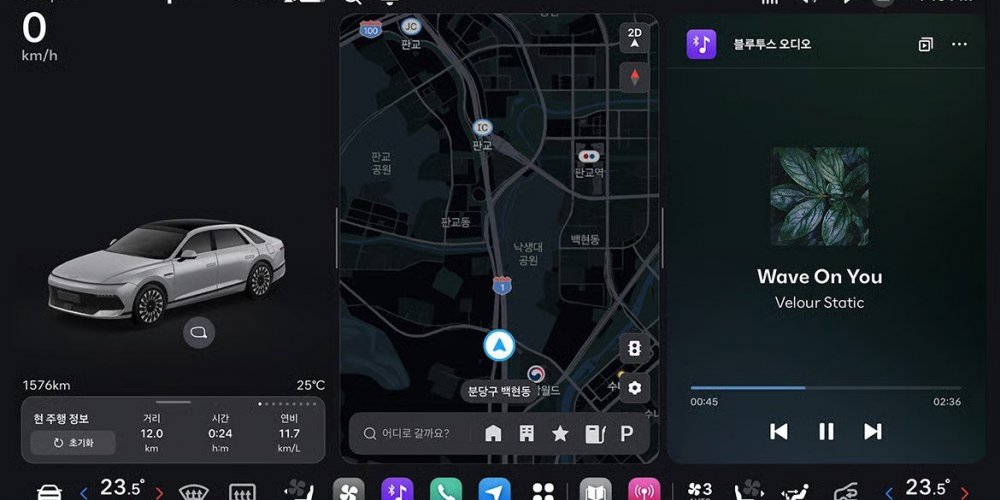
Large Central Screen: A wide-view display divided into three main sections.
The Driving Information Screen shows essential data including speed and warning lights, along with 3D graphics of surrounding objects and people.
The App Screen is used for navigation, media and third-party applications. It can be switched between the Single Screen mode for immersive content, and the Split Screen for multitasking.
The Bottom Bar provides one-tap access to recently used or pinned apps.
Slim Display: Positioned directly in front of the driver to keep the driver’s focus forward, the display presents key information like speed, media and turn-by-turn directions directly in their line of sight.
Driver safety is enhanced through the inclusion of physical buttons on the steering wheel and below the Large Central Screen, allowing quick access to key controls without using the touchscreen. In addition, a three‑finger gesture allows drivers to easily reposition app windows or instantly close unnecessary apps, supporting safer and more convenient interaction with in‑vehicle applications.